Photo booth software for Mac, built by a photo booth company
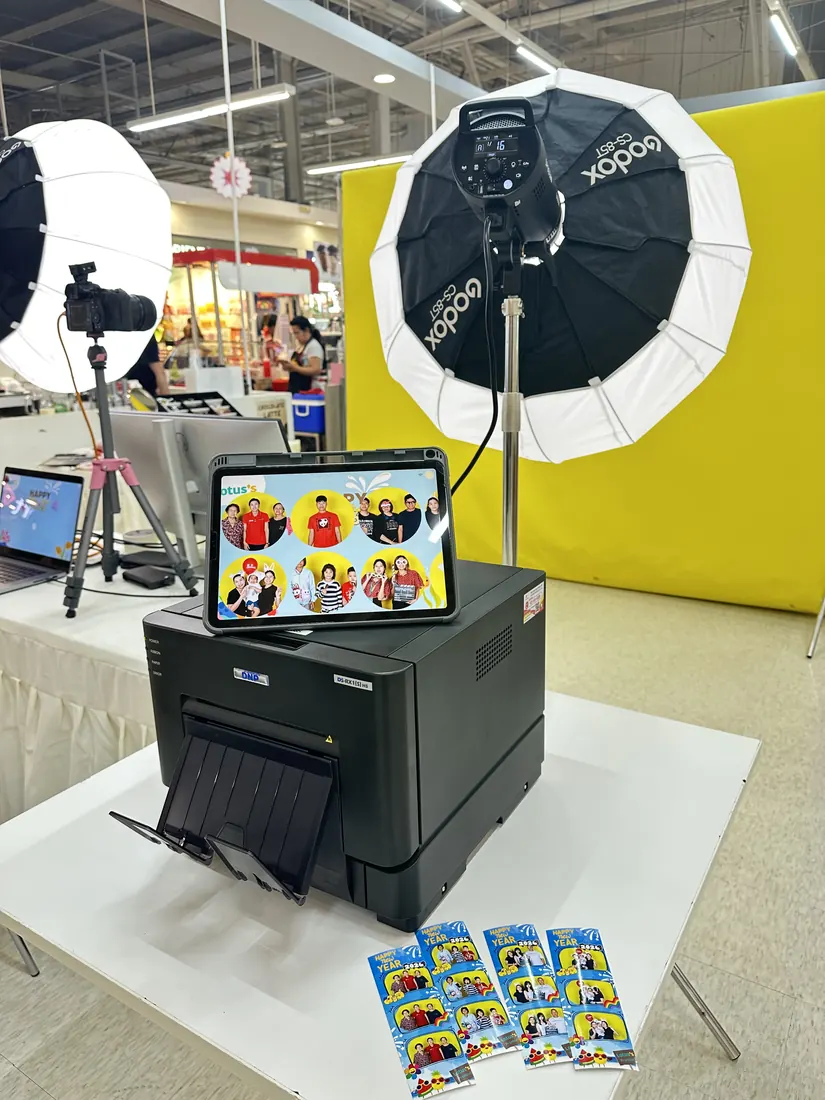
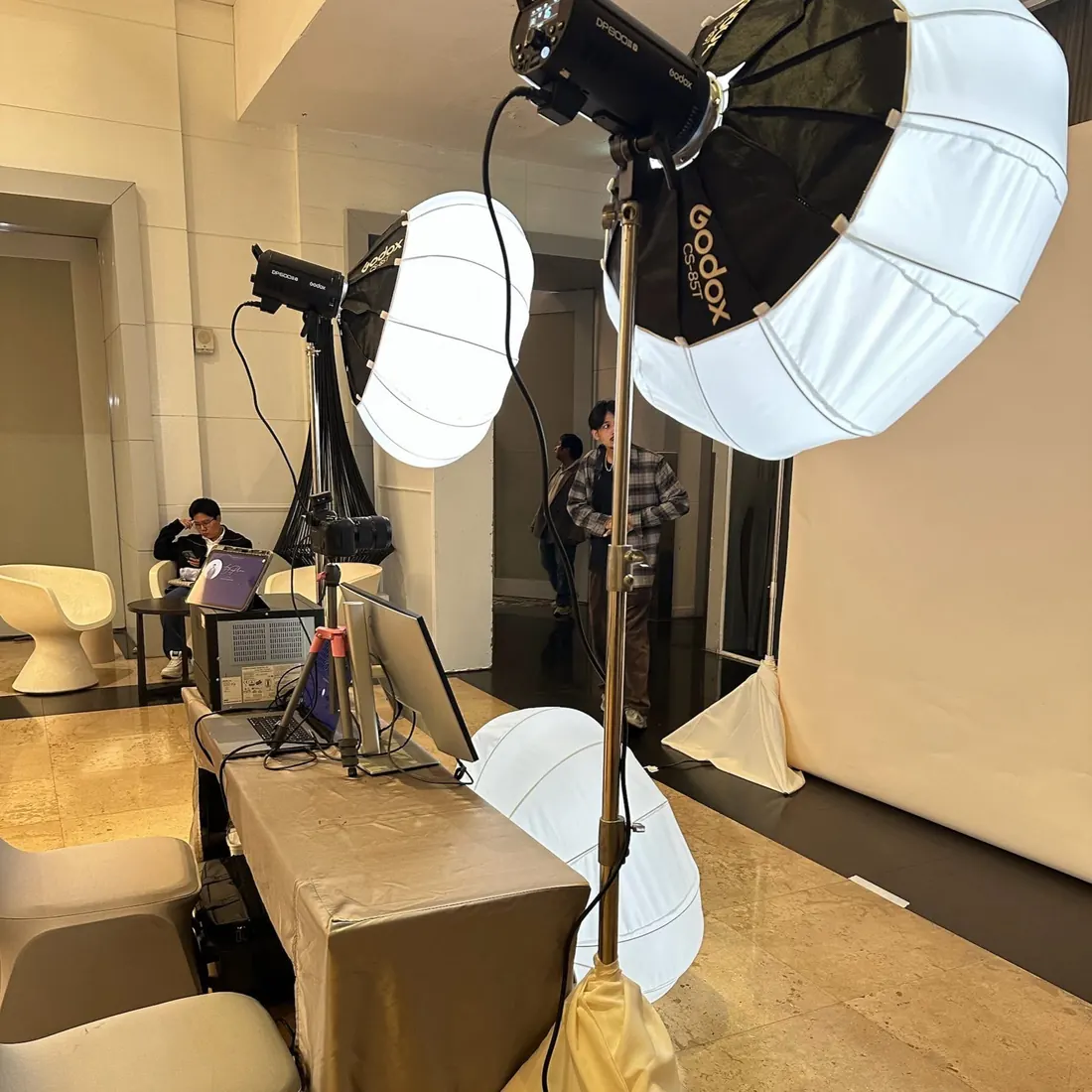
Easyday Booth runs a full open-air photo booth from one Mac: it controls a Canon EOS R8 or R6 Mark II over USB, prints 4x6 photos and 2x6 strips on a DNP DS-RX1HS, and gives every guest a QR code the second they finish. It keeps working when the venue Wi-Fi doesn't.
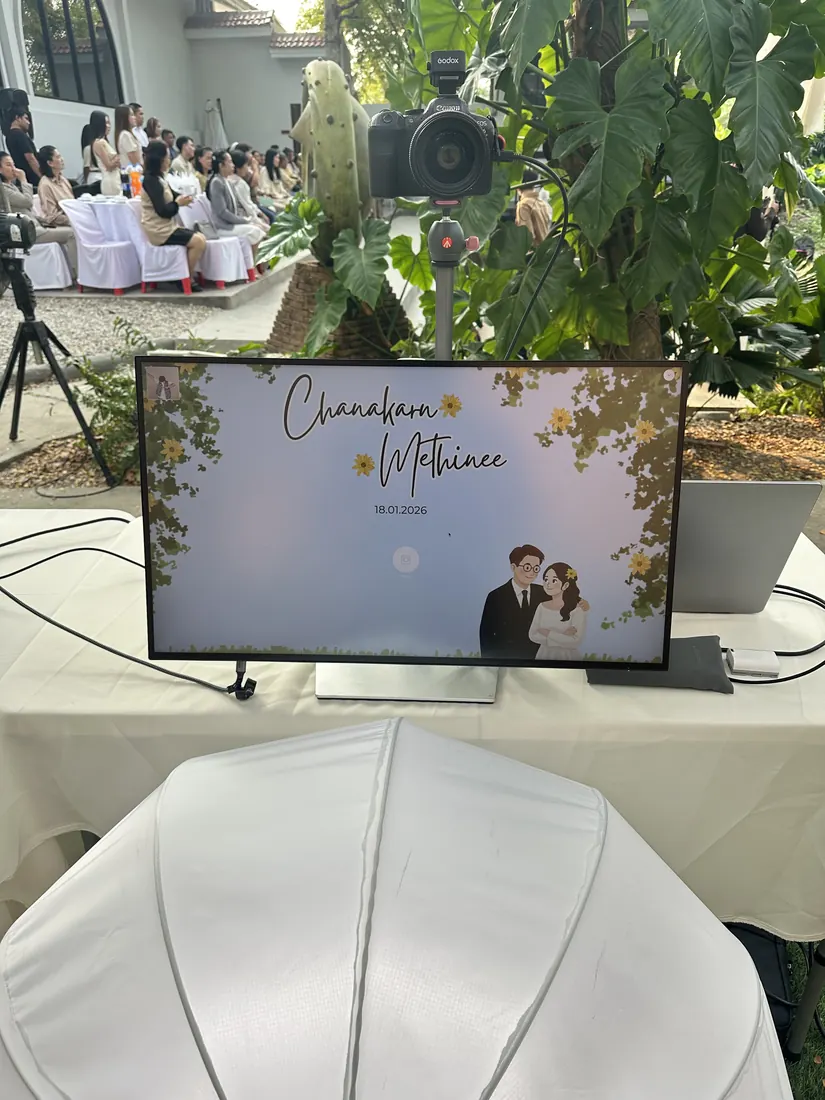
Where we are: Easyday Booth is made by Easyday Photobooth, a photo booth rental company in Thailand, and is tested on our own booth equipment. We're now preparing the English version for other booth owners. Join the waitlist and we'll email you when the free trial is ready to download.
A booth that never freezes in front of guests
We run photo booths at weddings and corporate events. A frozen screen in front of a queue of guests is a ruined event, so Easyday Booth is built around staying up first.
Works without internet
Shooting, frames, printing and saving all work offline. Uploads wait in a queue and go out by themselves when the connection comes back.
Recovers by itself
If the app quits or the Mac restarts mid-session, reopen it and the session continues with every photo intact. Print jobs and uploads aren't lost either.
Real camera control
Live view, capture and the camera's own shutter button over USB with Canon's official SDK. Unplug the cable by accident and it reconnects when it's back.
Prints that come out right
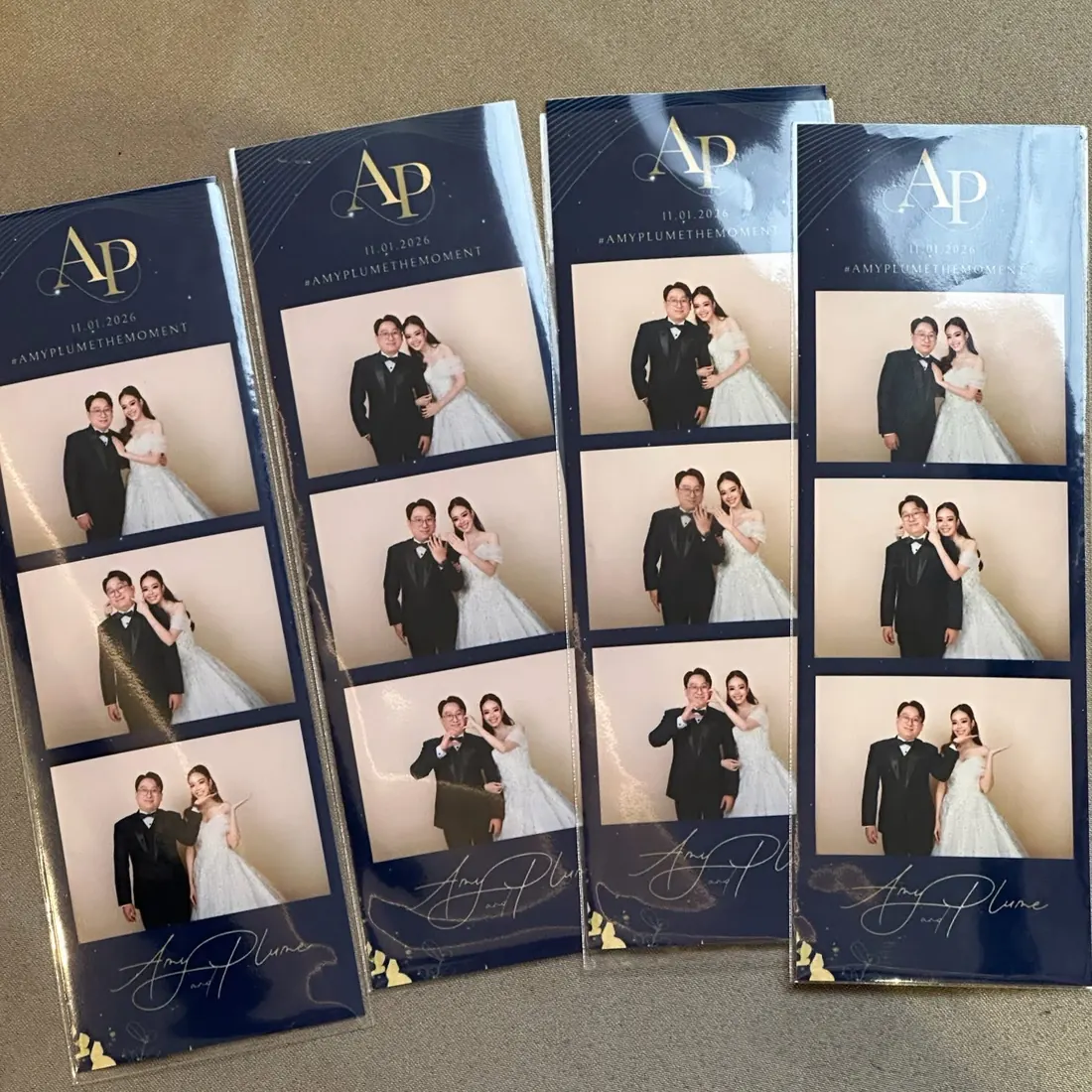
4x6 photos and 2x6 strips (two strips per sheet, cut automatically) on DNP DS-RX1HS, with warnings for open covers and empty paper.
Photos in guests' hands instantly
The QR code shows the moment a guest confirms, with no waiting for the upload. Guests get the framed photo, a GIF and the original shots.
AI frames
Turn each shot into a styled AI portrait inside your frame. If the internet is too slow, the booth uses the real photo instead of making guests wait.
How a session works
Pick a frame
Guests choose from the frames you turned on for the event. One frame? The screen is skipped.
Countdown & shoot
Automatic countdown with a retake button after every shot, or photographer mode where you press the shutter on the camera.
Review & confirm
Guests see the finished frame and confirm or retake it all. No one tapping? It confirms by itself.
Print & scan
Choose how many prints, scan the QR code, done. The booth returns to the start screen on its own.
An iPad sharing station, no extra app
Any iPad on the same Wi-Fi opens the station page in Safari. Pair it once with a one-time code shown on the Mac.
- Live gallery of every session, newest first
- AirDrop, email, LINE and WhatsApp QR codes
- Extra prints with limits you set per session and per event
- Hide a session, or delete it when a guest asks
Questions
Does Easyday Booth work without internet?
Yes. Shooting, frames, printing and saving all work offline. Guests still get a QR code straight away, and their photos appear on it once the Mac is back online. Only AI frames need a live connection.
Which cameras and printers does it support?
We have tested the Canon EOS R8 and EOS R6 Mark II (over USB with Canon's official SDK), the DNP DS-RX1HS printer, and Mac webcams. See the hardware page for details.
Is there a Windows version?
No. Easyday Booth is a native Mac app for Apple silicon Macs running macOS 14 or later.
Do guests need to install an app?
No. Guests scan a QR code and their photos open in the phone's web browser, where they can save or share them.
When can I try it?
We are preparing the English version now. Join the waitlist and we will email you when the free trial is ready to download.