Supported hardware
What you need to run Easyday Booth, and the cameras and printers we have tested it with. We only list hardware we have tested ourselves.
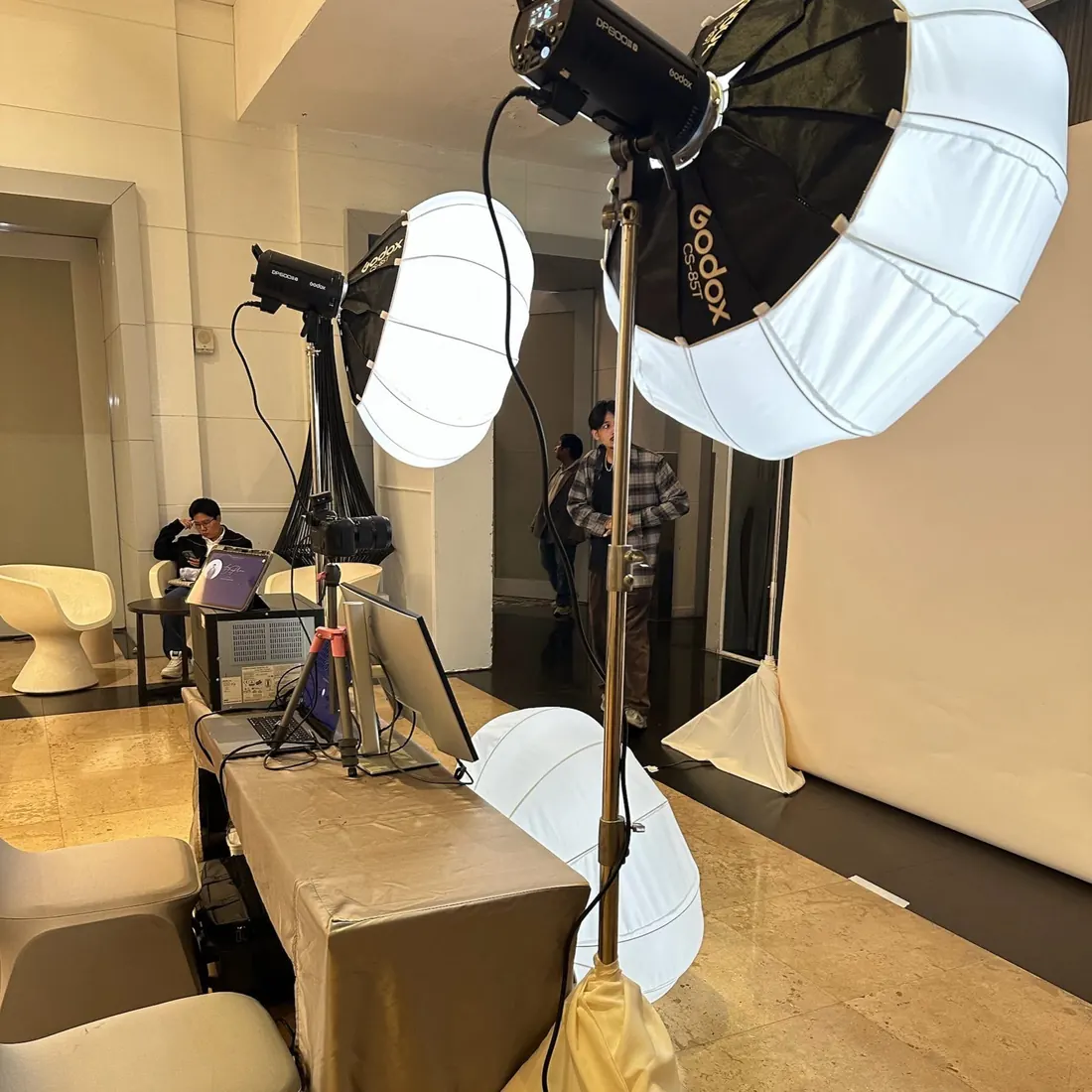
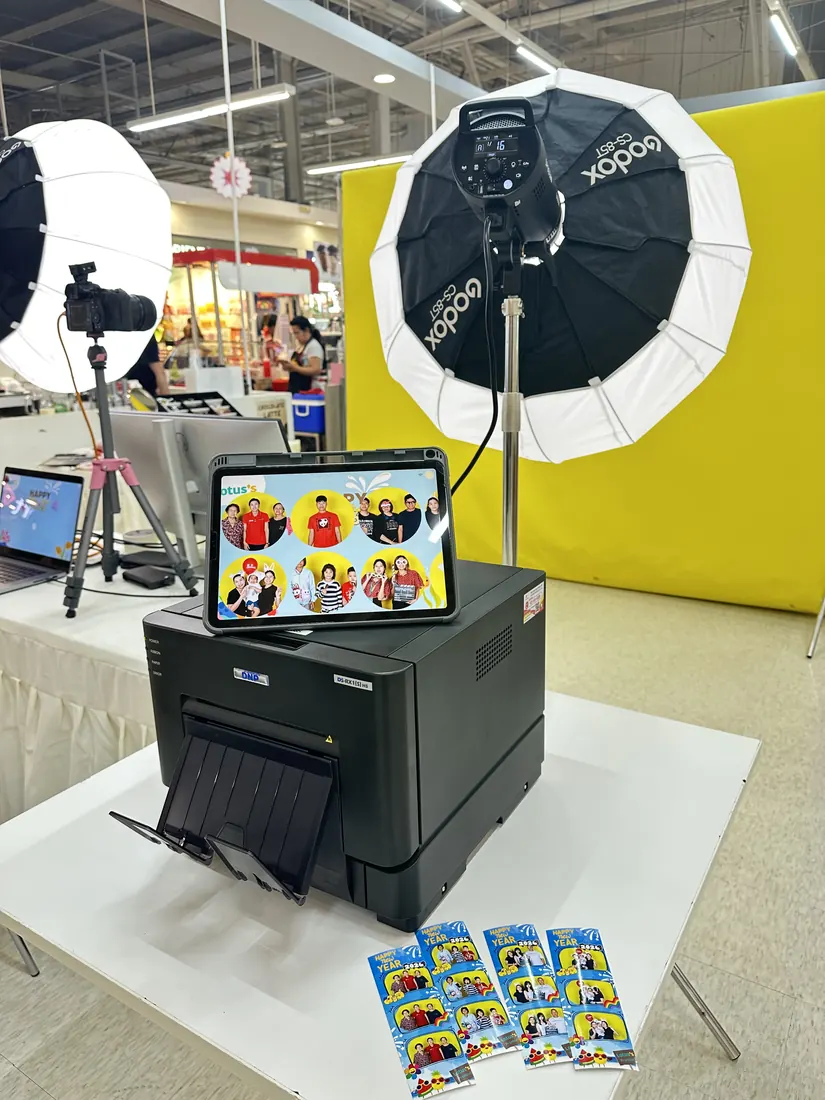
Tested cameras and printer
Mac
- A Mac with Apple silicon (M1 or later)
- macOS 14 Sonoma or later
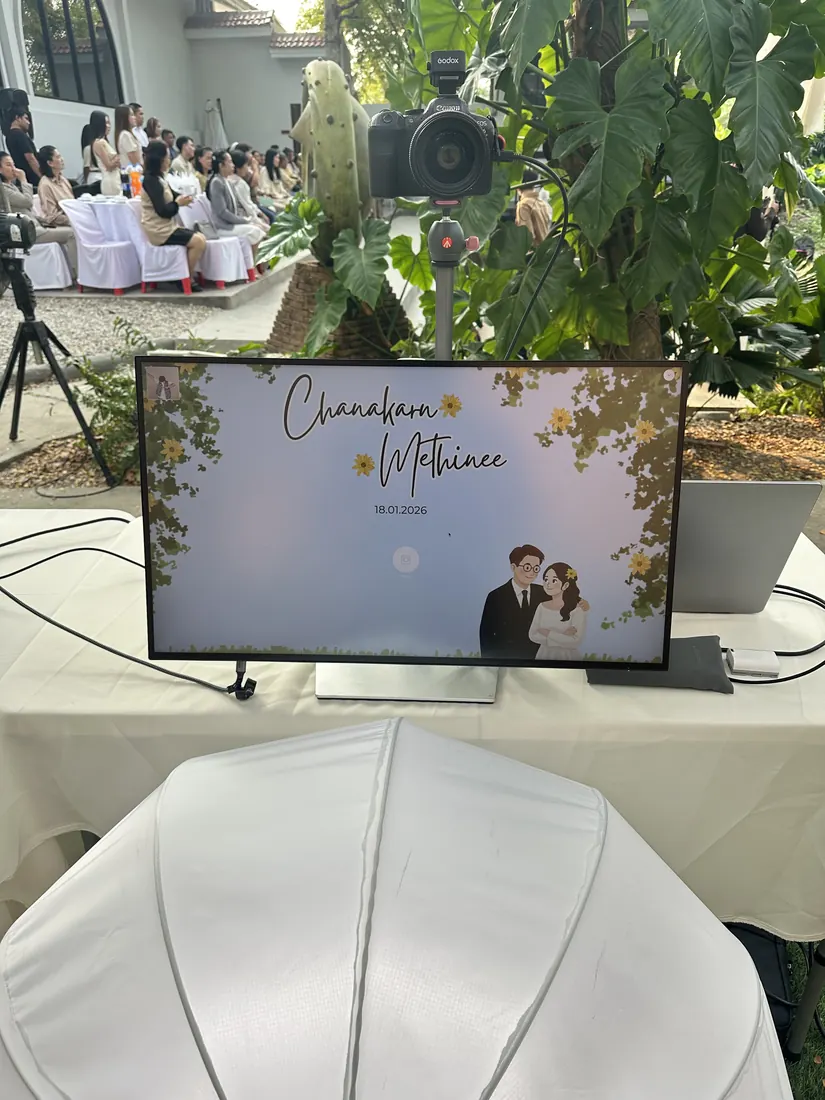
- Recommended: an external monitor for guests. Easyday Booth puts the guest screen on the external display and keeps the staff screen on the Mac. Connect it as an extended display, not mirrored.
We develop and test on a MacBook Pro with a 27" 4K monitor as the guest screen.
Cameras
| Camera | Status | Connection |
|---|---|---|
| Canon EOS R8 | Tested | USB, Canon SDK |
| Canon EOS R6 Mark II | Tested | USB, Canon SDK |
| Built-in FaceTime camera and USB webcams | Supported | macOS camera |
| Other Canon EOS cameras | Not tested yet | USB, Canon SDK |
A webcam is useful as a backup: if your Canon isn't connected when you start an event, Easyday Booth starts on the webcam and tells you, so the booth still opens. Using a different Canon? Tell us which one in the waitlist form below and we'll test it.
Printers
| Printer | Status | Sizes |
|---|---|---|
| DNP DS-RX1HS | Tested | 4x6, 2x6 strips (cut) |
| Print to file (PNG / PDF) | Supported | For testing without a printer |
| Other DNP models | Not tested yet |
iPad sharing station (optional)
Any iPad with Safari on the same Wi-Fi network as the Mac. There is no app to install: pair it once with a one-time code from the Mac. We recommend a separate Wi-Fi network for the Mac and iPad, away from guests.
Internet
Not required during the event. Shooting, printing and saving work offline; photos upload in the background whenever a connection is available. A 4G/5G router is what we use. AI frames do need internet.