Canon EOS R6 Mark II photo booth software for Mac
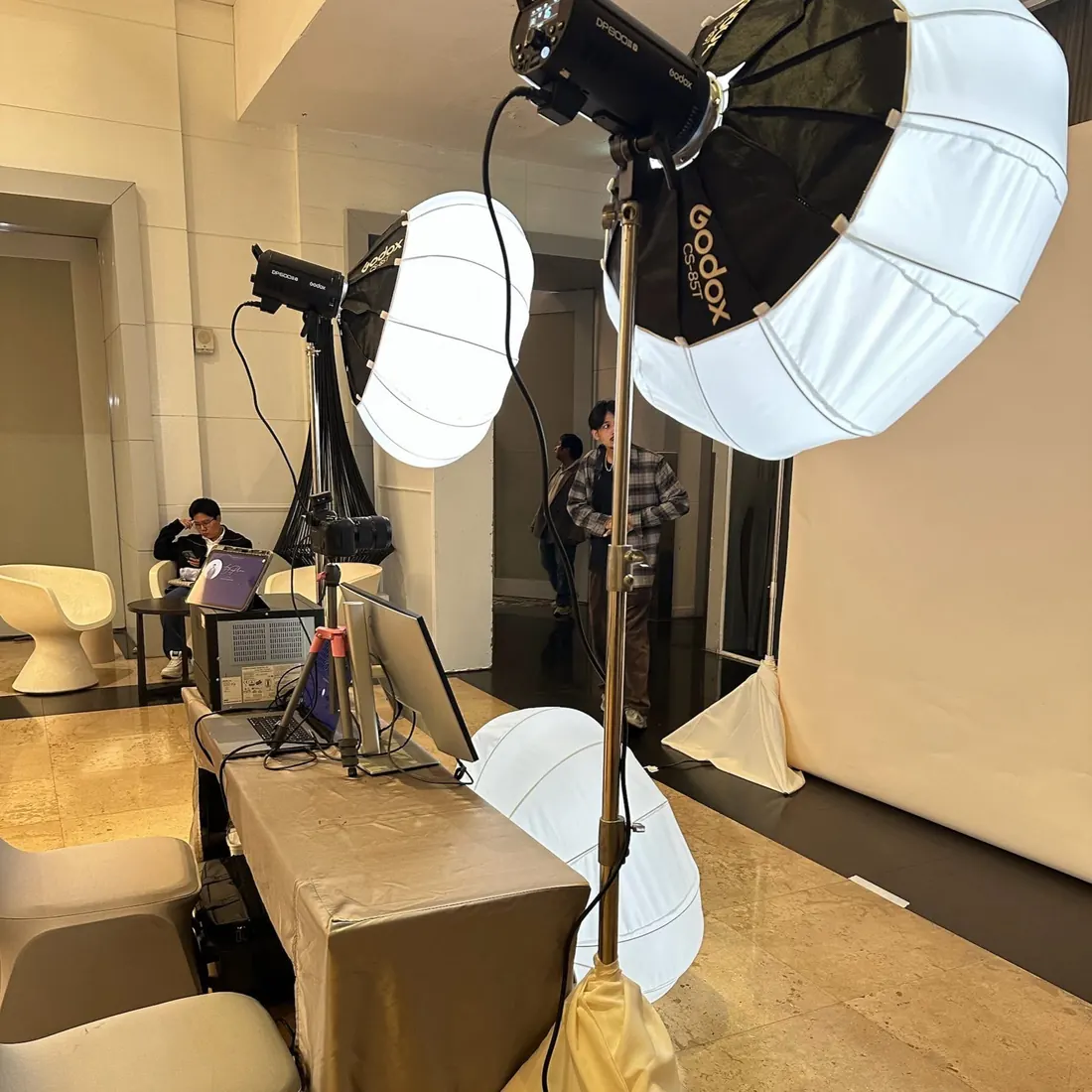
The EOS R6 Mark II is one of the two cameras we run our own booths with. Easyday Booth controls it over USB-C with Canon's official SDK: smooth live view for guests, fast capture, and the camera's own shutter button when a photographer is running the booth.
What we measured
| Test | Result with EOS R6 Mark II |
|---|---|
| Live view on the guest screen | About 29 frames per second |
| Capture to photo on the Mac | About 0.6 seconds per shot in our tests |
| Shutter button on the camera (photographer mode) | Works, the photo appears on screen |
| RAW + JPEG | RAW stays on the card as a backup; the booth downloads the JPEG only |
Setting up the R6 Mark II
- Insert a memory card. Every shot is also saved on the card as a backup.
- Set the image quality to JPEG, or RAW + JPEG. Easyday Booth does not change this setting for you.
- Connect the camera to the Mac with a USB-C data cable and turn it on.
- In Easyday Booth, open the Camera page and pick the R6 Mark II. Live view appears straight away.
- Take a test shot from the same page before guests arrive.
Photographer mode with the R6 Mark II
In photographer mode the guest screen shows live view, you press the shutter on the camera, and the photo appears on screen for a few seconds before live view comes back. The next shutter press confirms the previous shot; tapping ✕ on screen retakes it. Pressing the shutter on the start screen begins a new session, so you never have to walk to the screen.
What the booth watches for
- RAW only: warns you as soon as the camera connects.
- Card space: roughly how many shots are left, with a warning when it gets low.
- Cable unplugged: staff see a camera warning, and the booth reconnects when the cable is back.
- Camera stuck: if the camera stops responding, the booth restarts its camera connection by itself; the session in progress is kept.
Easyday Booth never deletes or formats anything on your memory card.
Questions
Can I shoot RAW with the R6 Mark II?
Yes, as RAW + JPEG. The RAW files stay on your card as a backup and the booth uses the JPEG. RAW only is not supported, and the booth warns you if the camera is set that way.
Can I use the shutter button on the camera?
Yes. In photographer mode you shoot with the camera's shutter button. Pressing it on the start screen also starts a new session.
Does Easyday Booth delete photos from my memory card?
No. It never deletes or formats anything on the card.
Do I need Canon EOS Utility?
No. Close EOS Utility and other camera apps first, because only one app can control the camera at a time.
Want to run your R6 Mark II with Easyday Booth?
Join the waitlist and we'll email you when the free trial is ready.